
Introduction
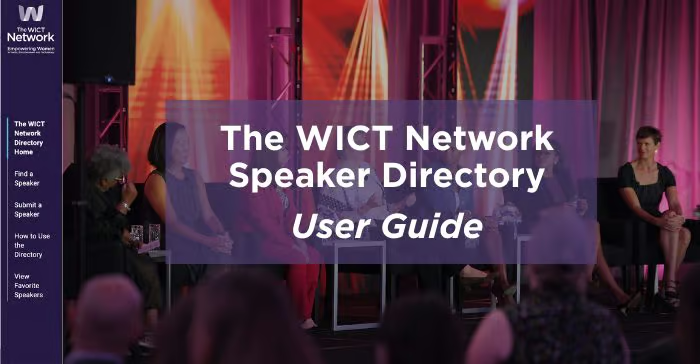
The WICT Network Speaker Directory is designed to help you explore potential speakers for local programming. We also encourage you to expand the directory by submitting recommended speakers through the online submission form.
Access Instructions
- Log on to the site at: https://speakers.wict.org/
- Use your chapter’s login credentials. Keep a record of your login and password.
- Contact chapters@wict.org for support.
Using the Speaker Directory
- Navigation: Use the menu on the left side of the homepage to move through the site.
- Find a Speaker: The directory features vetted speakers recommended by HQ and chapters. You can filter your search by criteria such as location, price, languages spoken, program format and more.
- Submit a Speaker: We encourage chapters to submit recommendations for vetted speakers to keep the directory fresh and useful. Please only submit speakers that you have direct experience with.
- All submissions are reviewed by HQ, and you may be asked to provide additional details to complete the speaker’s profile.
- View Favorite Speakers: This page shows all speakers your chapter has favorited. To favorite a speaker, click the heart in the corner of their profile picture. Since your chapter shares one login, all favorited speakers appear on the chapter’s profile. Click the heart again to remove a speaker from your favorites.